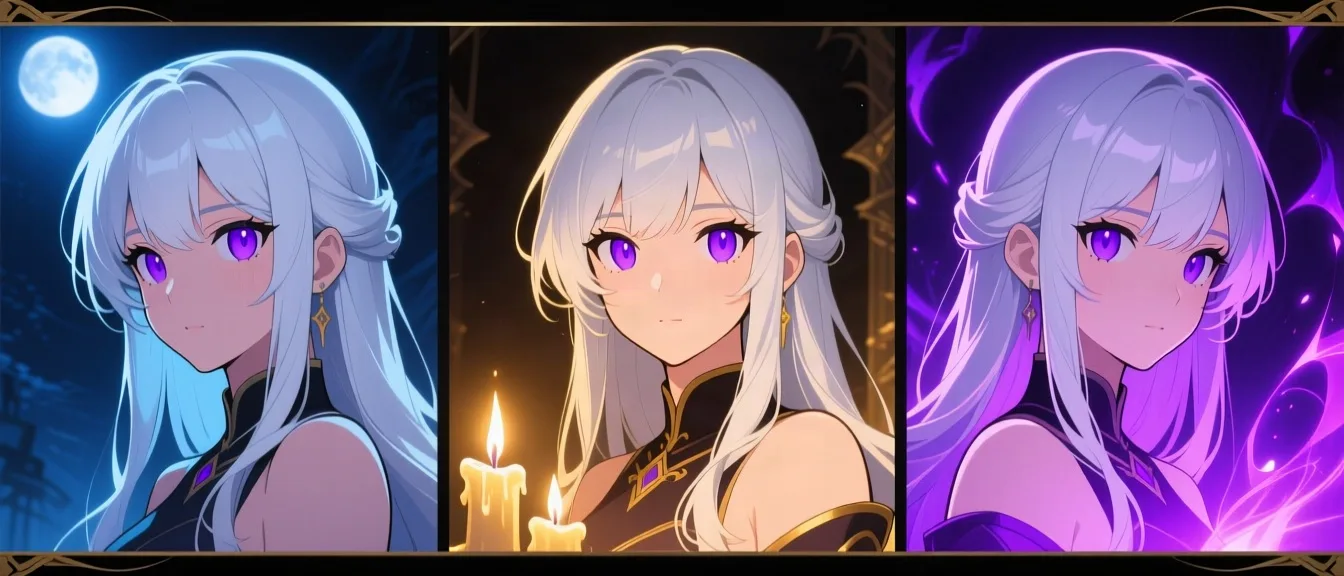
Character Training
The same face, every single time
Generate enough art of a character and you can train a model on it, so their face stays theirs instead of being reinterpreted every time you ask for a picture.
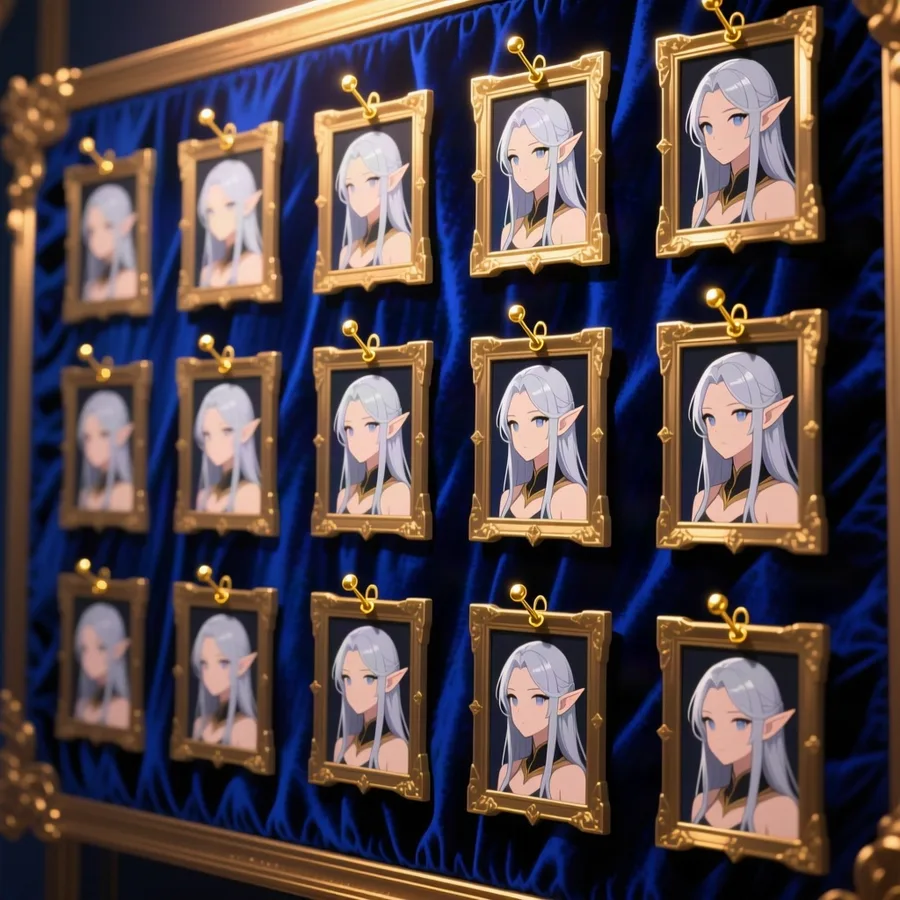
You choose the set
Pick which of your generated images the run learns from — at least ten — rather than handing it whatever was most recent.
Trained in the background
The run is queued and you keep playing. Nothing about the app stops while it works.
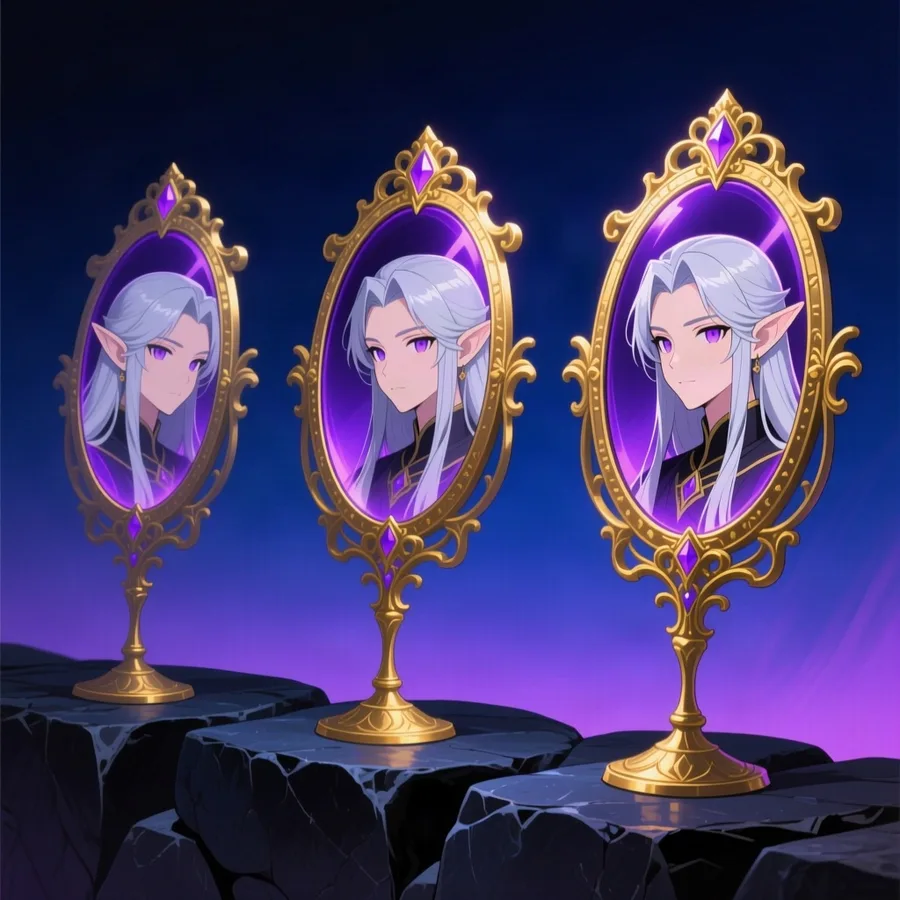
The same face after
New art of that character generates through the trained model automatically — retrain whenever their look changes.
How it works
- 1
Generate art of your character the ordinary way until you have a set you like.
- 2
Choose which of those images the training run should learn from — at least ten.
- 3
Training runs in the background; you keep playing while it works.
- 4
Once it finishes, new images of that character are generated through the trained model automatically.
- 5
Retrain whenever their look changes, picking a different set of reference images.
Why the image picker matters
A trained model is only as good as what it learned from. Feed it twenty near-identical shots of the same campfire and it learns the campfire, not the character — so the selection is yours to make deliberately, rather than being taken automatically from your most recent generations.
Bring your own fal.ai key for this one
Character training is the one feature here that needs an API key of your own. Model training is a specialist capability that most image providers do not offer at all — fal.ai is the one confirmed to work for it, so this is unlocked by connecting your own fal.ai account rather than being switched on for every user.
Add your provider in Settings and the training controls appear on any character with enough generated art. Everything else on this site — chat, campaigns, image generation, narration, books, guilds and the marketplace — works on a standard account with no keys of your own.
Ready to try it yourself?
Start Adventure →