Theatre Mode
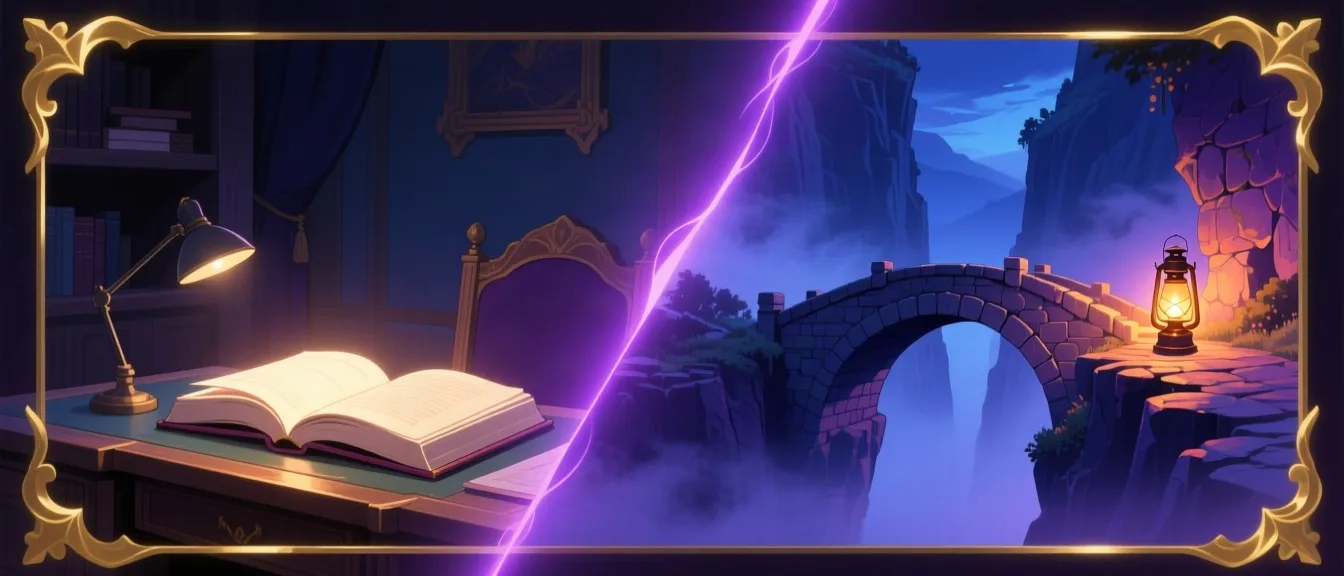
Your story, in split view
Switch any conversation into a cinematic layout — story on the left, scene art on the right, crossfading as you scroll through the moment it belongs to. Available on tablet and desktop — not on phones, where there isn't room for the split view.
Scroll the story below — the art follows.
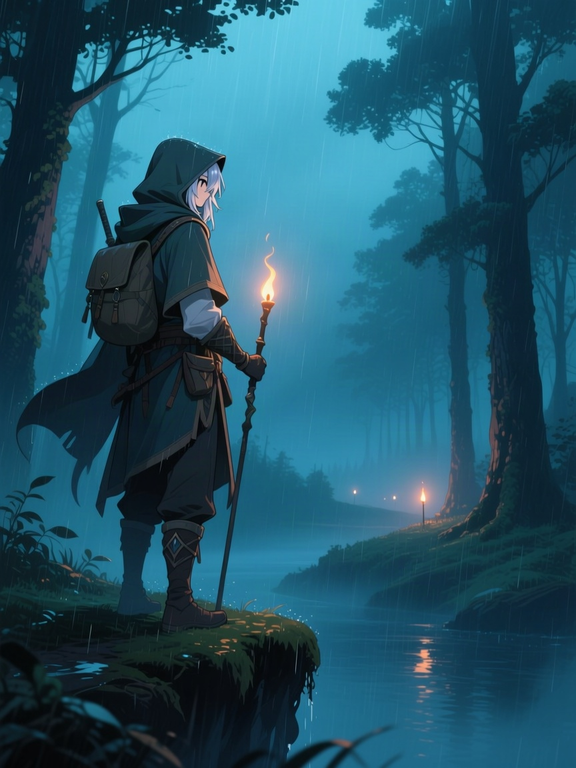
I push through the treeline, rain soaking through my cloak. What do I see?
The forest opens onto a slow, dark river. Torchlight flickers on the far bank — a village, maybe half a mile off, glowing warm against the storm. You're exposed out here on the ridge, but at least you can see where you're going now.
I head for the village. Cautiously — staying to the treeline as long as I can.
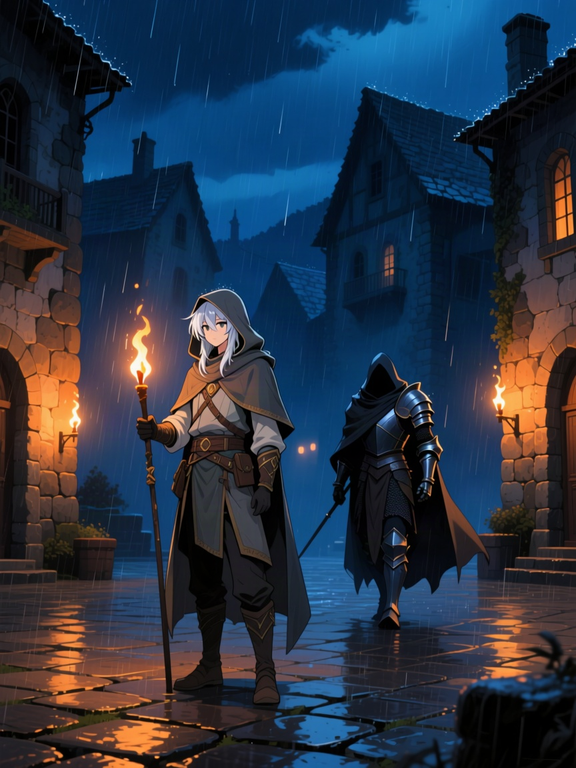
You reach the square without incident. The rain hasn't let up, hissing against the torches. As you catch your breath under an eave, a figure in dented armor steps out from the shadow of the well — watching you, not yet hostile.
"I'm not here to cause trouble." I keep my hands visible and step into the torchlight.
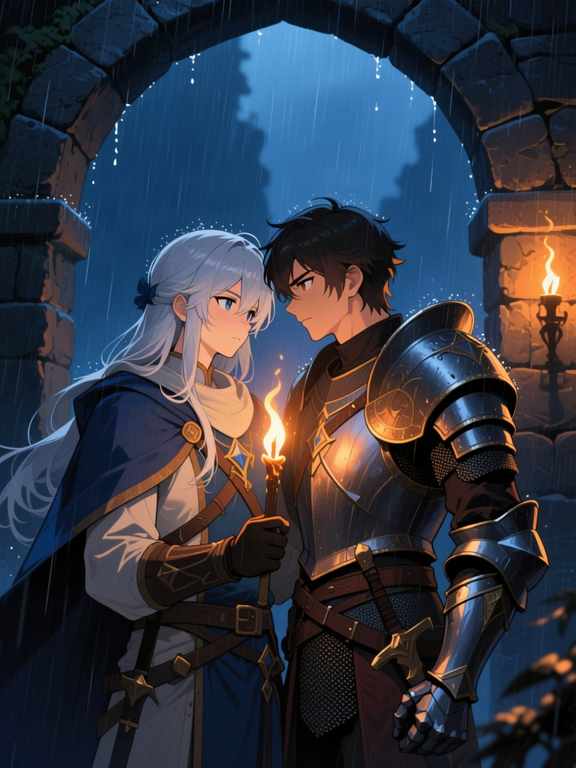
The figure studies you a long moment, rain running off a dented pauldron, then closes the distance until you're standing close enough to talk without shouting over the storm. "Trouble finds people out here whether they're looking for it or not," they say, quieter now. "Come on. Standing in the rain won't get either of us answers."
How it works
- 1
Turn on Theatre Mode from any conversation's toolbar.
- 2
Each illustrated moment in the story owns a zone of the scroll range.
- 3
As you scroll, the image panel crossfades to whichever moment is currently centered — no reloads, no hard cuts.
- 4
Scene art is generated automatically as the story unfolds, the same way it already does in classic chat view.
Ready to try it yourself?
Start Adventure →