← All features
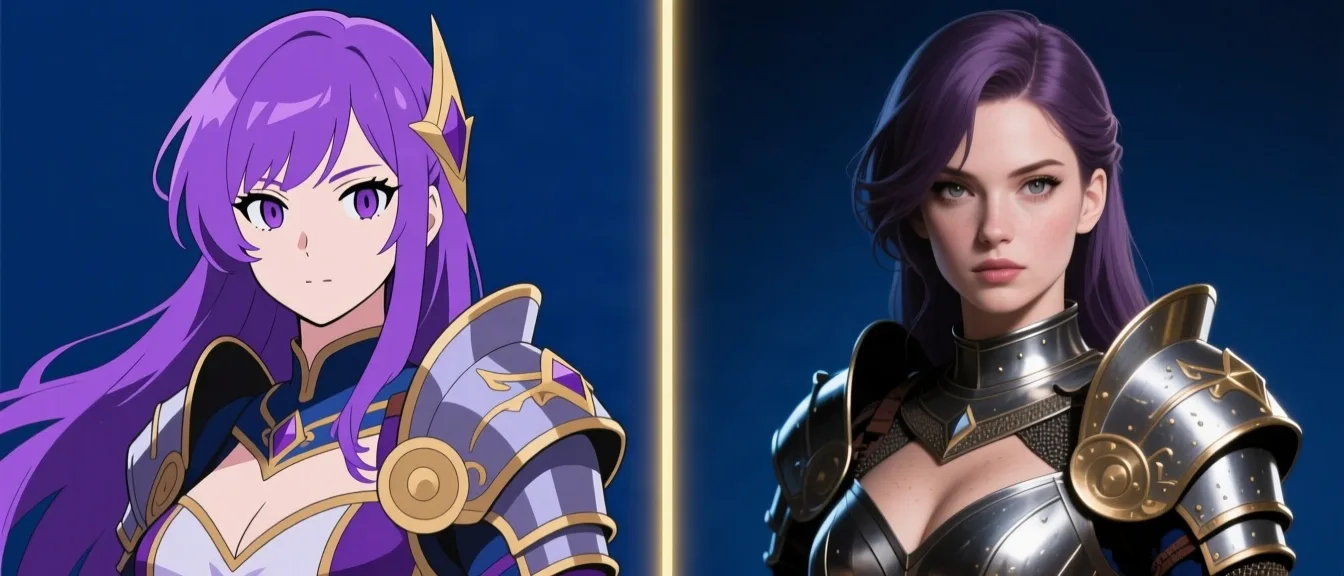
Anime & Realistic Style
Every character, in your style
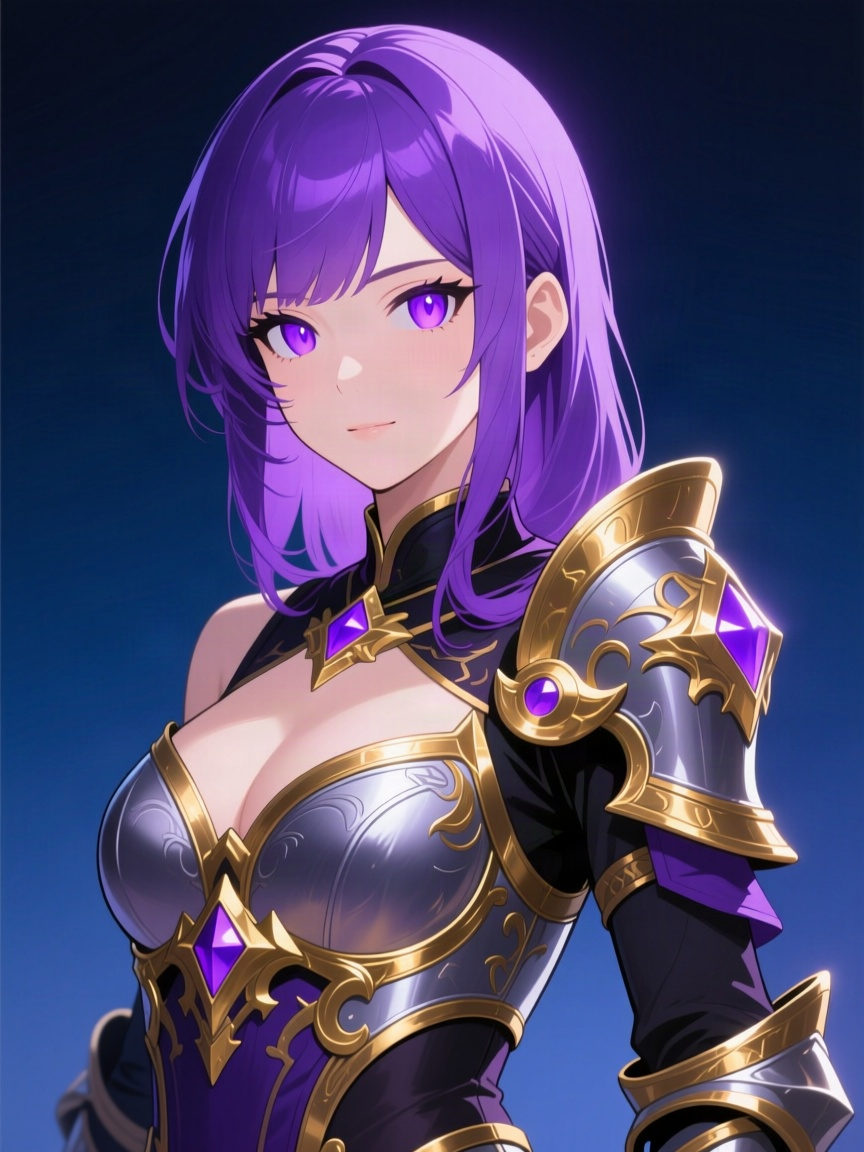
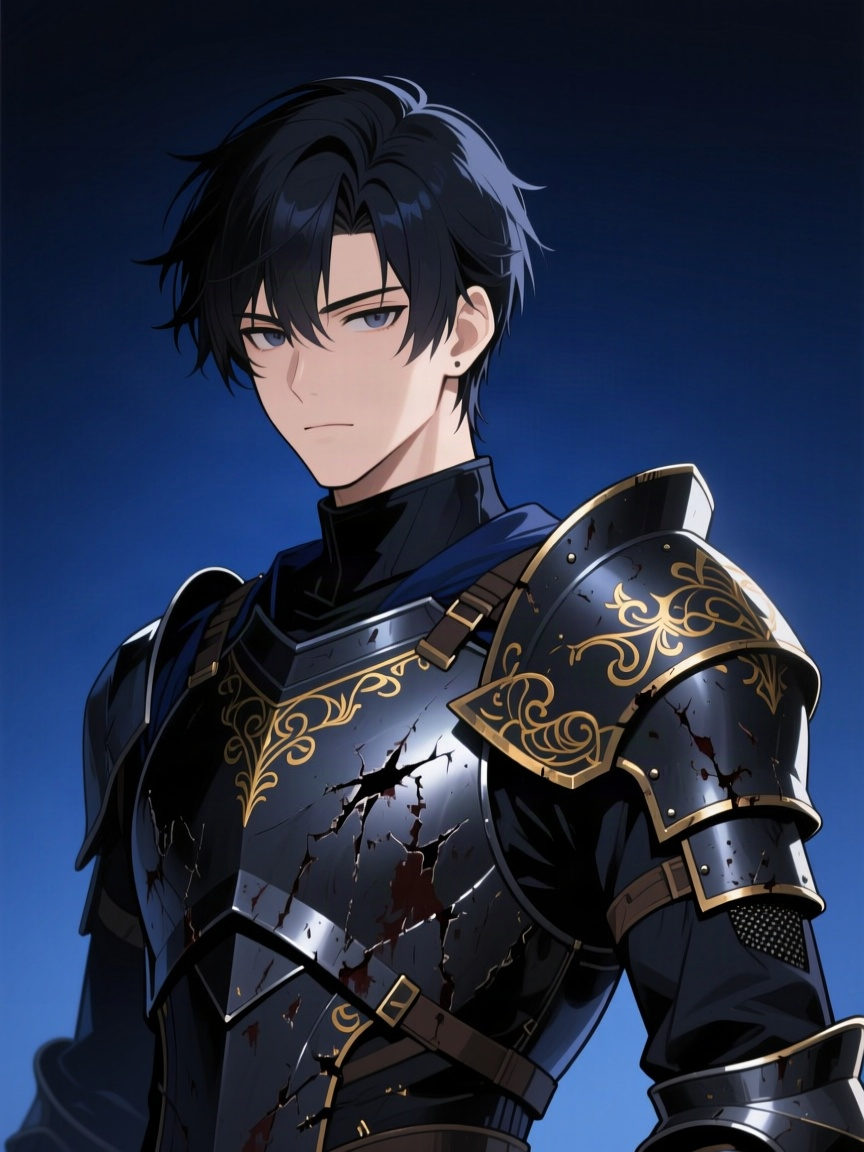
Pick anime or realistic rendering per character, any time — the same choice carries through to scene art and equipment icons.
How it works
- 1
Set a character's art style when you create or edit them.
- 2
Every generated image for that character — portraits, scene art, equipped items — follows the same style.
- 3
Switch styles at any time; new art picks up the change immediately.
Per-character style settingApplies to portraits, scenes, and item artStyles come from a live, curated preset list
Ready to try it yourself?
Start Adventure →